
Minecraft Java, Bedrock & Crossplay: Which Is Best for Your Community?
If you’re ready to host a Minecraft server on CloudNord, one of the first decisions you’ll need to make is choosing between Java Edition and Bedrock Edition. Each version has its own strengths, limitations, and player communities, and picking the right one can have a big impact on your server’s performance, features, and overall multiplayer experience.
In this guide, we’ll break down the key differences between Java and Bedrock hosting, explain how each affects your server, and help you decide which option best suits your players.
Premium Minecraft Server Hosting
Java, Bedrock & Crossplay — Fully Supported
At CloudNord, we offer high-performance Minecraft hosting built for creators, communities, and server owners who want reliability without overpaying. Whether you’re running a Java, Bedrock, or Crossplay server, our infrastructure is optimized for low latency, smooth gameplay, and consistent performance, even during peak hours.
From small private worlds to large public communities, CloudNord gives you the control, stability, and flexibility you need from day one.
What You Get with CloudNord Minecraft Hosting
- Instant Deployment — Your Java, Bedrock, or Crossplay server is online in minutes
- Full Mod & Plugin Support — Run mods, plugins, and custom configurations with ease
- Automated Backups — Scheduled backups to keep your worlds safe
- 24/7 Expert Support — Real support from people who understand Minecraft
- DDoS Protection — Stay online and protected at all times
- Crossplay Support — Connect Java and Bedrock players seamlessly
- High-Performance Hardware — Optimized for modded servers and high player counts
- Advanced Control Panel — Full control through an intuitive management interface
What’s the Difference?
At their core, Java and Bedrock are two versions of the same game, but they’re built for different platforms and experiences:
- Java Edition – The original Minecraft version, available exclusively on PC and Mac.
- Bedrock Edition – Runs on Windows 10/11, mobile devices, Xbox, PlayStation, and Nintendo Switch, with crossplay support across all platforms.
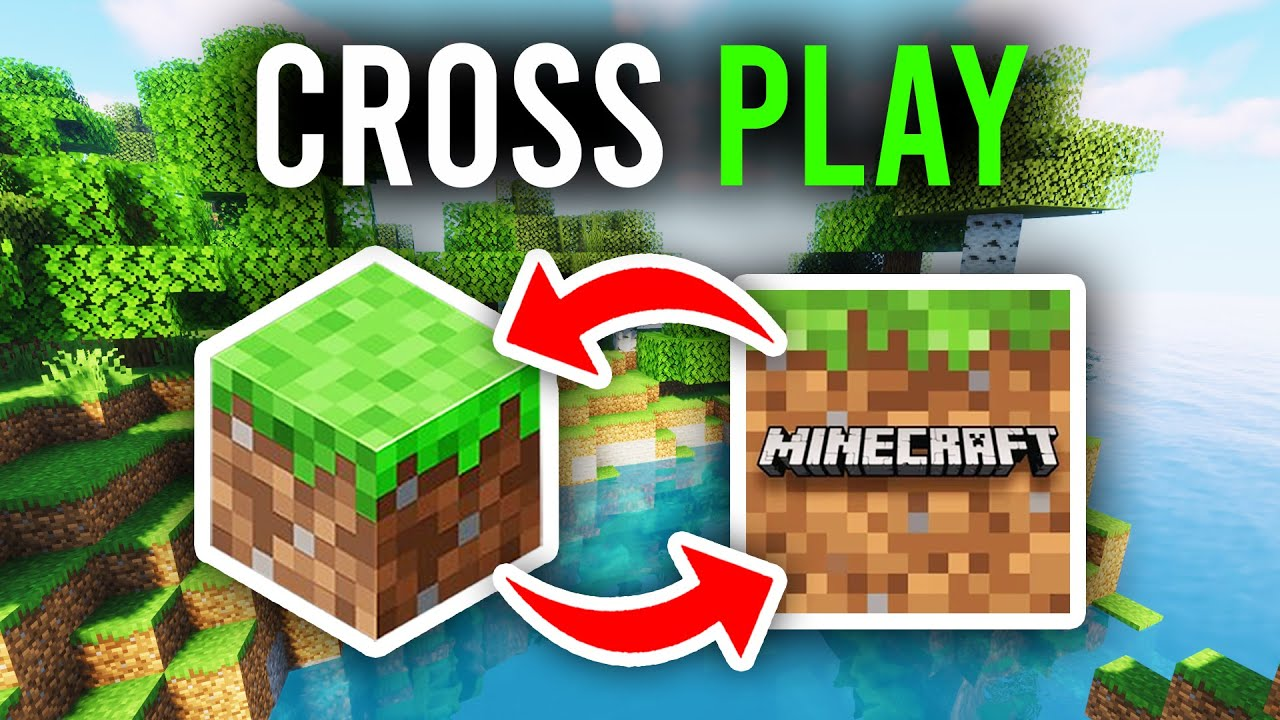
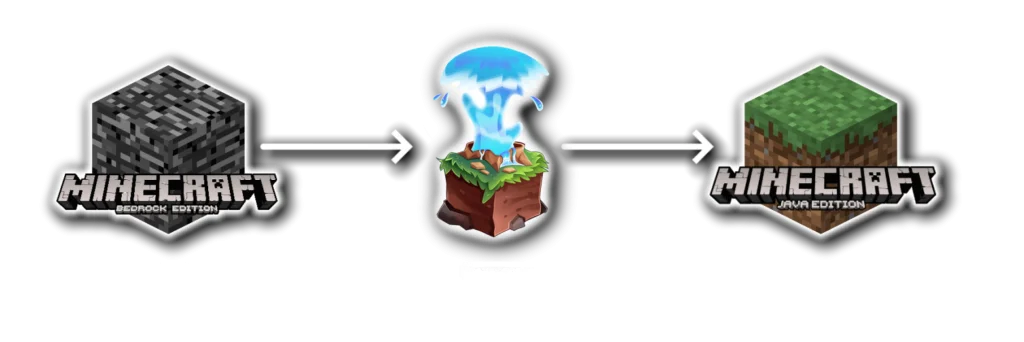
- Crossplay Edition – Java and Bedrock aren’t natively compatible, meaning players can’t join each other by default. Crossplay hosting solves this by using GeyserMC as a real-time translator between the two versions, allowing PC, console, and mobile players to play together on the same server.
Java and Bedrock editions aren’t directly compatible, so players on one can’t join the other. GeyserMC provides a solution by enabling crossplay between them.
Why Choose Java Hosting?
Minecraft Java Edition is the original PC version of the game, famous for its flexibility, extensive modding, and custom server support. It’s where experimental features and community-created content appear first, making it perfect for players who love customization, technical depth, and unique gameplay experiences.
Deep Modding & Customization
If your community loves plugins, mods, and full control over gameplay, Java Edition is the way to go. With support for Spigot, Paper, Forge, and more, the possibilities are nearly endless. From custom economies to minigames, performance tweaks, and world-generation plugins, Java gives you total flexibility.
Vibrant PC Community
Java hosts one of Minecraft’s most passionate player bases. If your audience is primarily PC gamers, they’ll appreciate Java’s advanced redstone mechanics, modded experiences, and gameplay customization.
Robust Command & Admin Tools
Java’s commands and admin tools are more developer-friendly, making it easier to troubleshoot, debug, and customize your server using its console and file structure.
Why Choose Bedrock Hosting?
Bedrock Edition enables players to connect and play together seamlessly across devices. In the Minecraft Bedrock vs. Java debate, Bedrock stands out for its cross-platform compatibility and optimized performance. Available on consoles, mobile devices, and Windows 10/11, it allows communities, friends, and families to enjoy a smooth multiplayer experience, regardless of hardware. Bedrock is also highly efficient, performing well even on lower-end devices, and includes native access to Marketplace content for enhanced customization and gameplay variety.
Crossplay Across Devices
Bedrock’s biggest advantage is compatibility—players on mobile, console, and PC can join the same server without mods or workarounds. Perfect for younger audiences, families, or communities that want to play together across platforms.
Performance & Efficiency
Built in C++, Bedrock is lightweight and optimized, handling large worlds and many players with minimal strain on CPU and memory. This makes it an excellent choice if you want high performance at lower server costs.
Marketplace Integration
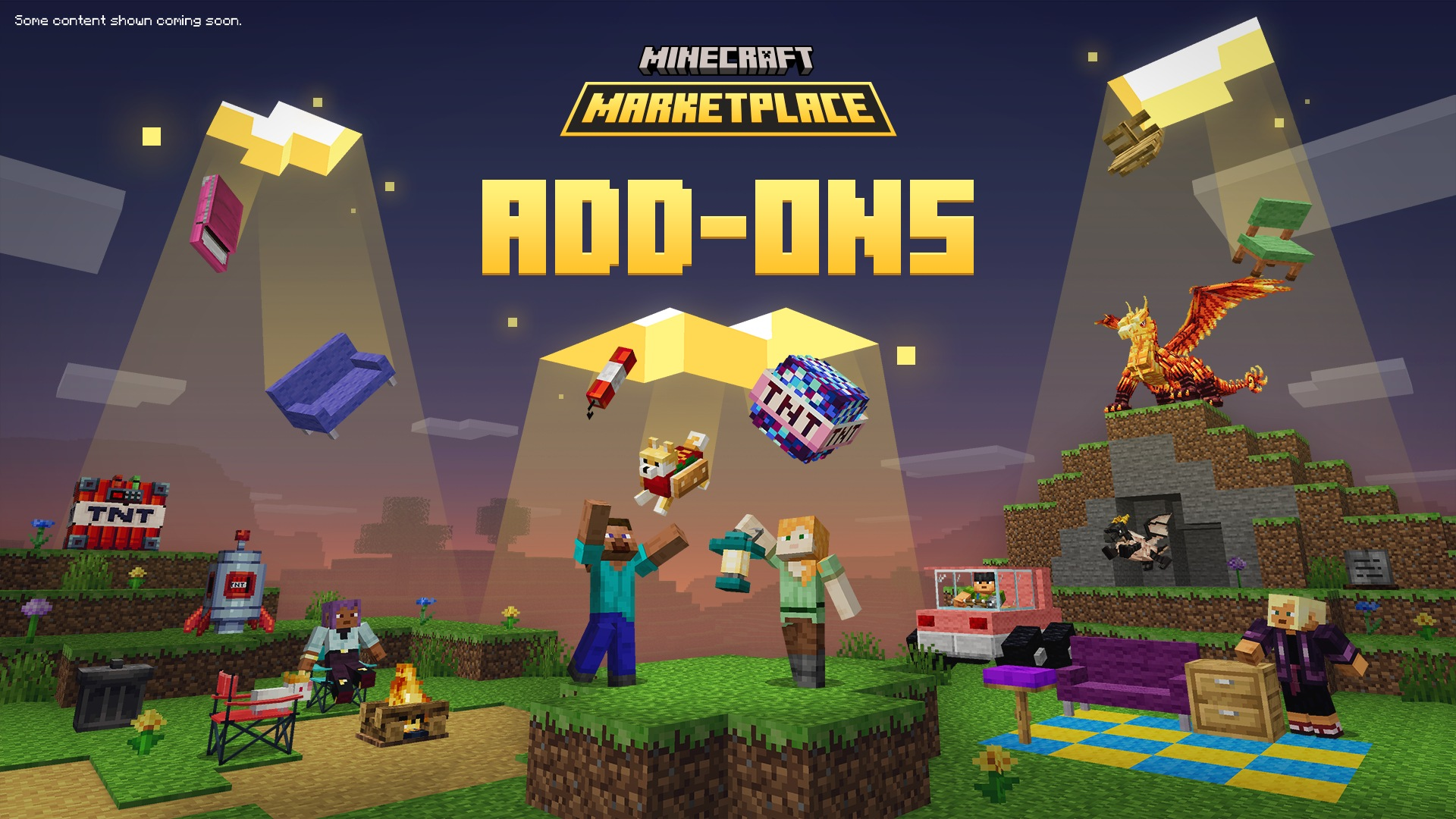
Bedrock natively supports Minecraft Marketplace content, including skins, worlds, and add-ons. If your community enjoys these features, it’s a built-in bonus.
Why Choose Crossplay Hosting?
If you want Java and Bedrock players to join the same Minecraft server, crossplay hosting is the solution. Using a proxy like GeyserMC, crossplay servers act as a real-time translator between Java and Bedrock editions, allowing players on PC, console, and mobile to play together seamlessly.
With CloudNord, crossplay isn’t an add-on or an afterthought. It’s fully supported, pre-configured, and optimized from day one.
How Does Crossplay Work?
Crossplay is powered by Geyser, a middleware that acts as a real-time translator between Minecraft Java and Bedrock editions. It works by converting all incoming and outgoing network packets, allowing Bedrock players to connect to Java servers seamlessly.
Geyser runs as a standalone proxy or plugin and enables any modern Java server to accept Bedrock connections, bringing PC, console, and mobile players together on one server without changing how the Java server operates.
CloudNord Minecraft Crossplay Hosting Features
Pre-Installed GeyserMC
Geyser comes fully installed and configured, enabling instant crossplay without manual setup.
Universal Access
Players can connect from Java or Bedrock on PC, console, or mobile.
Seamless Protocol Translation
Real-time translation ensures smooth, consistent gameplay across all platforms.
Instant Server Setup
Your cross-platform Minecraft server is online and ready within minutes.
Free Server Migration
Already hosting elsewhere? We’ll migrate your existing server to CloudNord at no extra cost.
Plugin & Compatibility Support
Run Java plugins with Bedrock compatibility while maintaining stability and performance.
Always Up-to-Date
We keep your server compatible with the latest Minecraft versions automatically.
3-Day Money-Back Guarantee
Try CloudNord risk-free with our 3-day refund policy—no questions asked.
Performance and Graphics
On most devices, Minecraft Bedrock runs smoothly by default, thanks to a codebase optimized for consoles, mobile devices, and Windows. In contrast, Java Edition may require additional tuning on PC, but it offers greater customization through settings, performance mods, and precise control over render distance, shaders, and visual effects.
Bedrock Edition also supports ray tracing on compatible Windows 10 or 11 hardware and select worlds, providing advanced lighting natively. Java Edition, meanwhile, relies on community-created shaders to achieve similar lighting enhancements and visual effects, giving players flexibility to tailor their experience.
Mods and Servers
For deep customization, Java Edition remains the gold standard. The Java download provides access to launchers, mod loaders, and an extensive library of mods and modpacks, allowing players to dramatically alter gameplay and create unique experiences.
Bedrock Edition, on the other hand, focuses on add-ons and Marketplace content, which are easy to install and ideal for newer players, though less open-ended than Java modding. On the server side, Java’s tools are highly mature, supporting minigames, PvP hubs, and roleplay worlds that are highly configurable and capable of delivering complex multiplayer experiences.
Best Version by Player Type
- Casual: Bedrock Minecraft: Best for smooth performance, easy setup, and crossplay with friends on any device;
- Competitive – Java Minecraft: Ideal for precision PvP, competitive servers, and mouse and keyboard mastery;
- Technical (Mods/Redstone) – Java Minecraft: Offers the deepest modding tools, advanced redstone mechanics, and limitless customization;
- Mobile/Console – Bedrock Minecraft: Optimized for portable and console play, with intuitive touch and controller support.
Frequently Asked Questions
Find answers to common questions about our Minecraft server hosting services.
Is there player limits on servers?
- There are no enforced player limits on our servers. While we display recommended player counts with each plan, these are suggestions based on vanilla gameplay. Actual capacity may vary depending on your server setup, including mods and plugins.
What storage limits apply?
- By default, servers have a soft cap of 100GiB to prevent abuse. Need more space? Contact support for a reasonable increase based on your plan. For instance, a 4GiB server requesting 700GiB would be considered excessive. While we don't have strict guidelines, we'll generally approve increases that align with legitimate gameplay needs.
What server locations are available?
- Our servers are distributed across North America, Europe, Asia, Australia and South America. Available locations can be viewed during checkout when selecting your preferred region.
Can I get specific ports / dedicated IP?
- By default, ports are randomly assigned from our available pool. However, we do offer dedicated IPs as an add-on during checkout, which grants you access to any port(s) you prefer, including the standard ports (25565 for Java, 19132 for Bedrock). For servers without a dedicated IP, Java Edition users can still connect easily through domain names (e.g., play.example.com) using SRV records, eliminating the need to enter ports manually. If you don't have the Dedicated IP addon, Bedrock Edition players will need to specify ports manually as SRV functionality isn't supported in that version.
Which platforms are supported?
- Our crossplay servers support all platforms where Minecraft is available: Windows PC, Mac, Linux, iOS, Android, Xbox, PlayStation, Nintendo Switch, and more.
Minecraft Hosting, Built for Every Playstyle
Minecraft Java, Bedrock, and Crossplay are fully supported on CloudNord, giving you a powerful and reliable platform to build, explore, and grow your community. Our Minecraft hosting is optimized for smooth performance, low latency, and full compatibility, whether you’re running a modded Java server, a Bedrock realm, or a Crossplay setup that brings everyone together.
From launching a brand-new survival world to scaling a large multiplayer community, CloudNord gives you full control from day one. Enjoy fast setup, dependable performance, and support that understands Minecraft inside and out.
To celebrate, we’re offering 20% off all game hosting, including Minecraft Java, Bedrock, and Crossplay servers. Get started today and experience stable servers, advanced management tools, and support you can count on.
See you online.
WildNature
CloudNord Team